Your whole business online. Just by chatting.
Zaai Studio builds your professional website, takes your payments, handles your orders and helps you grow. You just chat. Built for small businesses.
- Free to start, no card
- Your brand kit designed for you
- Your written brand book
You talk. Zaai builds. It’s yours.
No builders, no templates to wrestle, no code. You describe your business the way you’d explain it to a friend, and Zaai turns it into a real website that takes orders and payments. Want to change something later? Just ask.
Tell Zaai about your business
You chat in plain words: “I run a bakery in Cape Town, I sell sourdough and custom cakes.” That’s it. No forms to fill in, no settings to learn. If you can send a WhatsApp, you can do this.
Zaai builds the real thing
It designs your site, writes your words, adds your products and switches on live payments with Yoco or Paystack. Not a mockup or a demo, a working business that can take its first order the day you go live.
It’s yours, and it stays yours
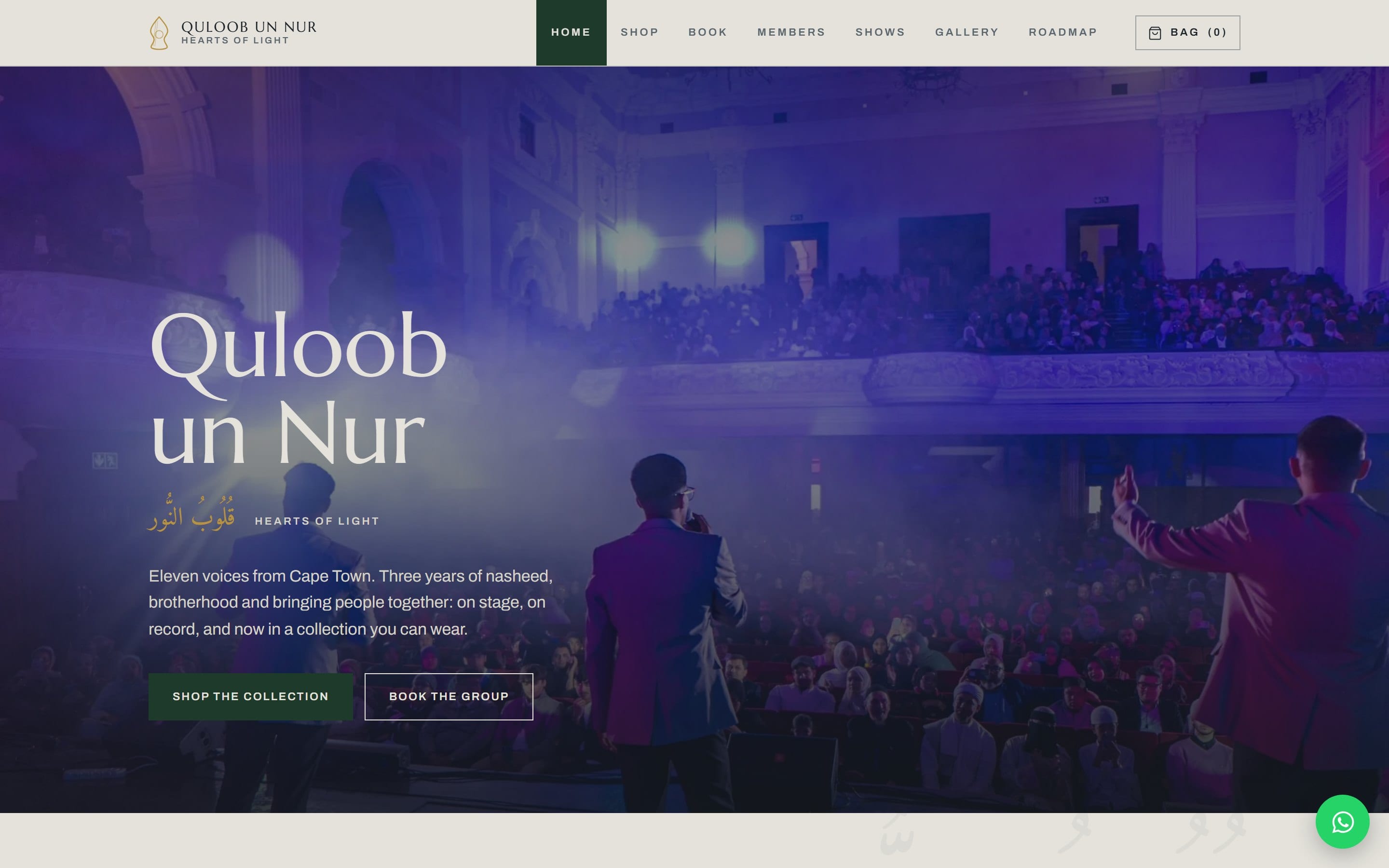
It goes live on your own .co.za with your own data, no lock-in. Need to add a product or run a sale? Just ask Zaai and it’s done, no waiting on anyone.
You stay in charge the whole way. Zaai just does the hard part for you.
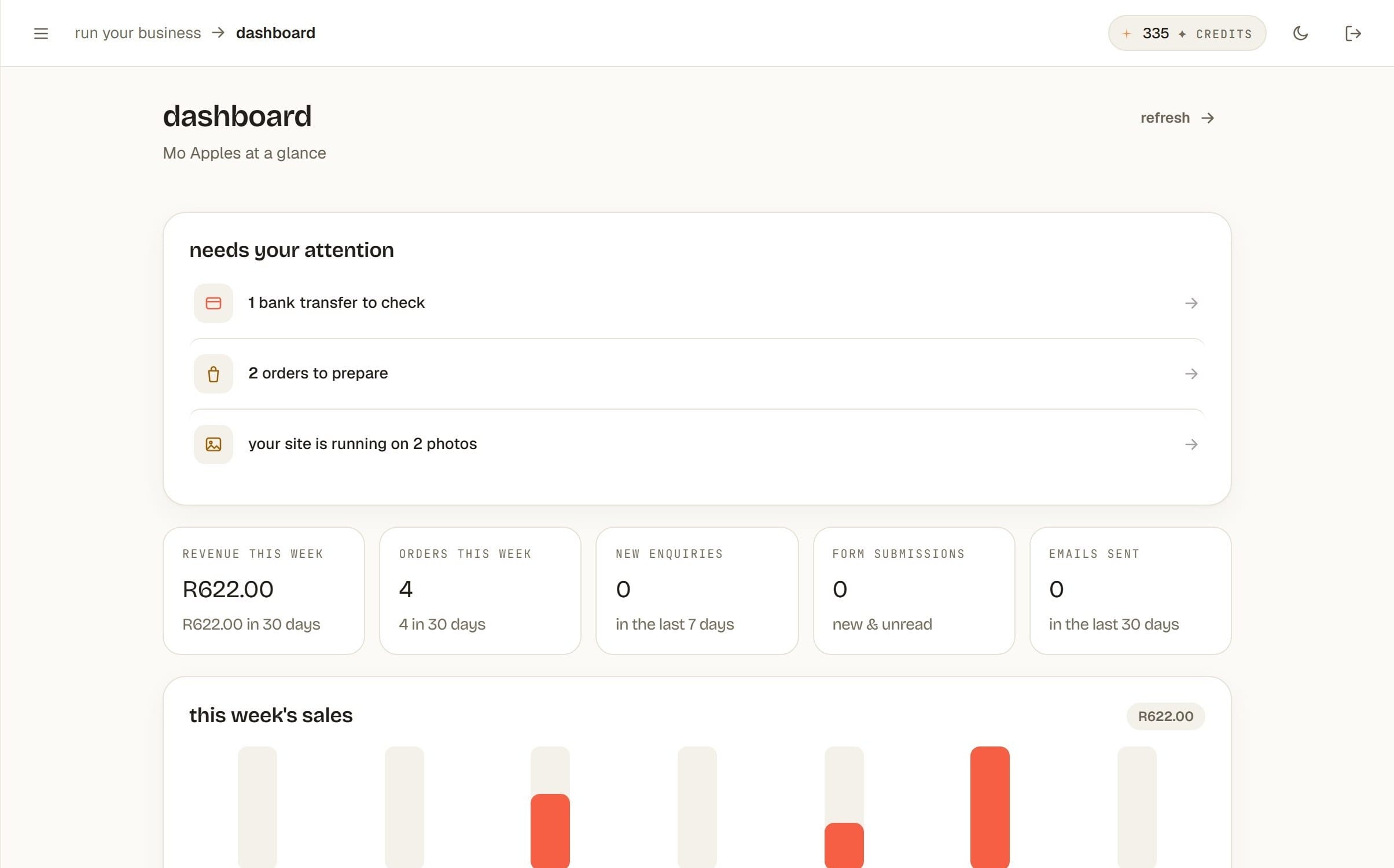
Zaai gives you the tools to actually run the business behind it. This is the real dashboard, not a drawing of one.
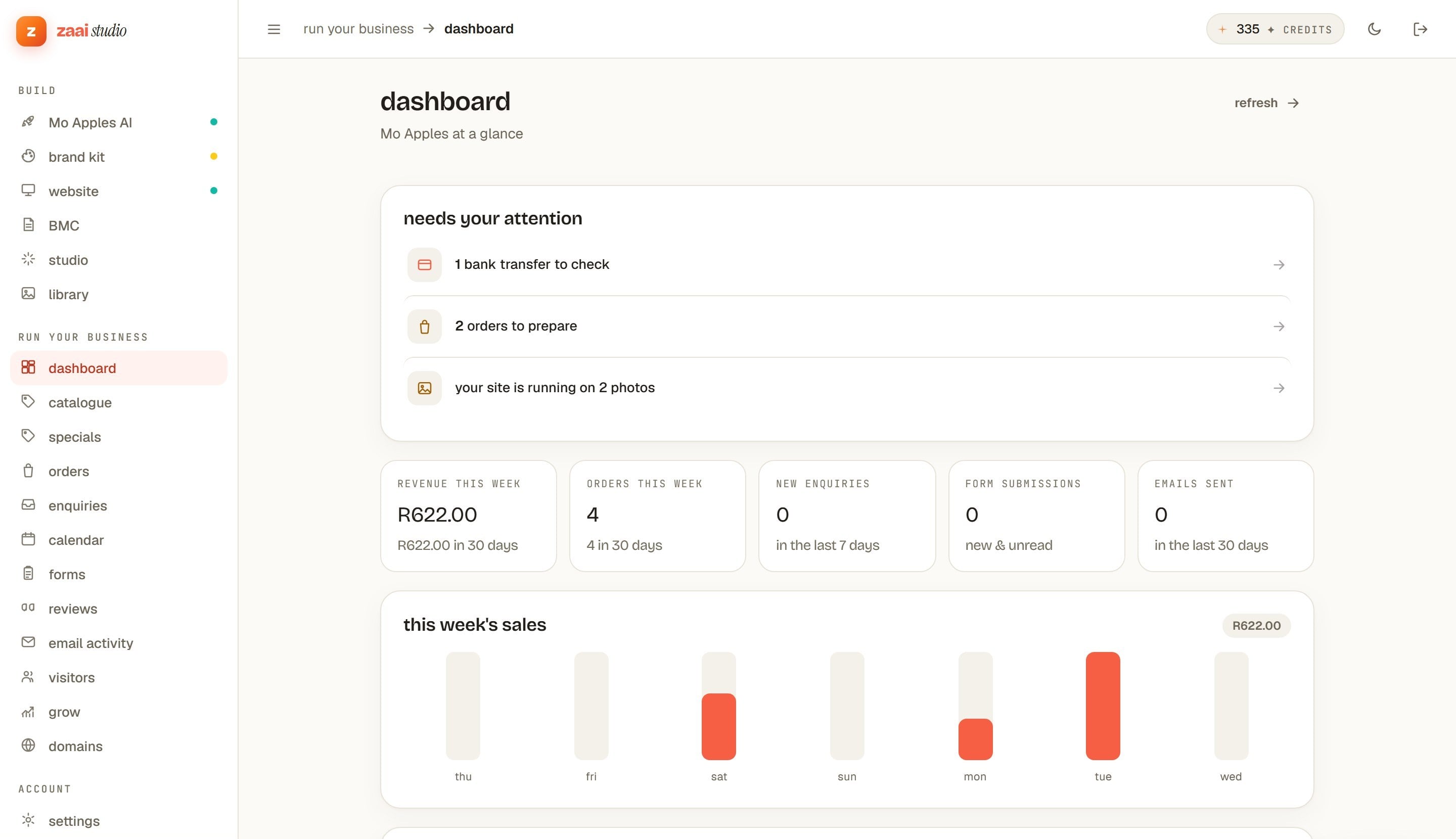
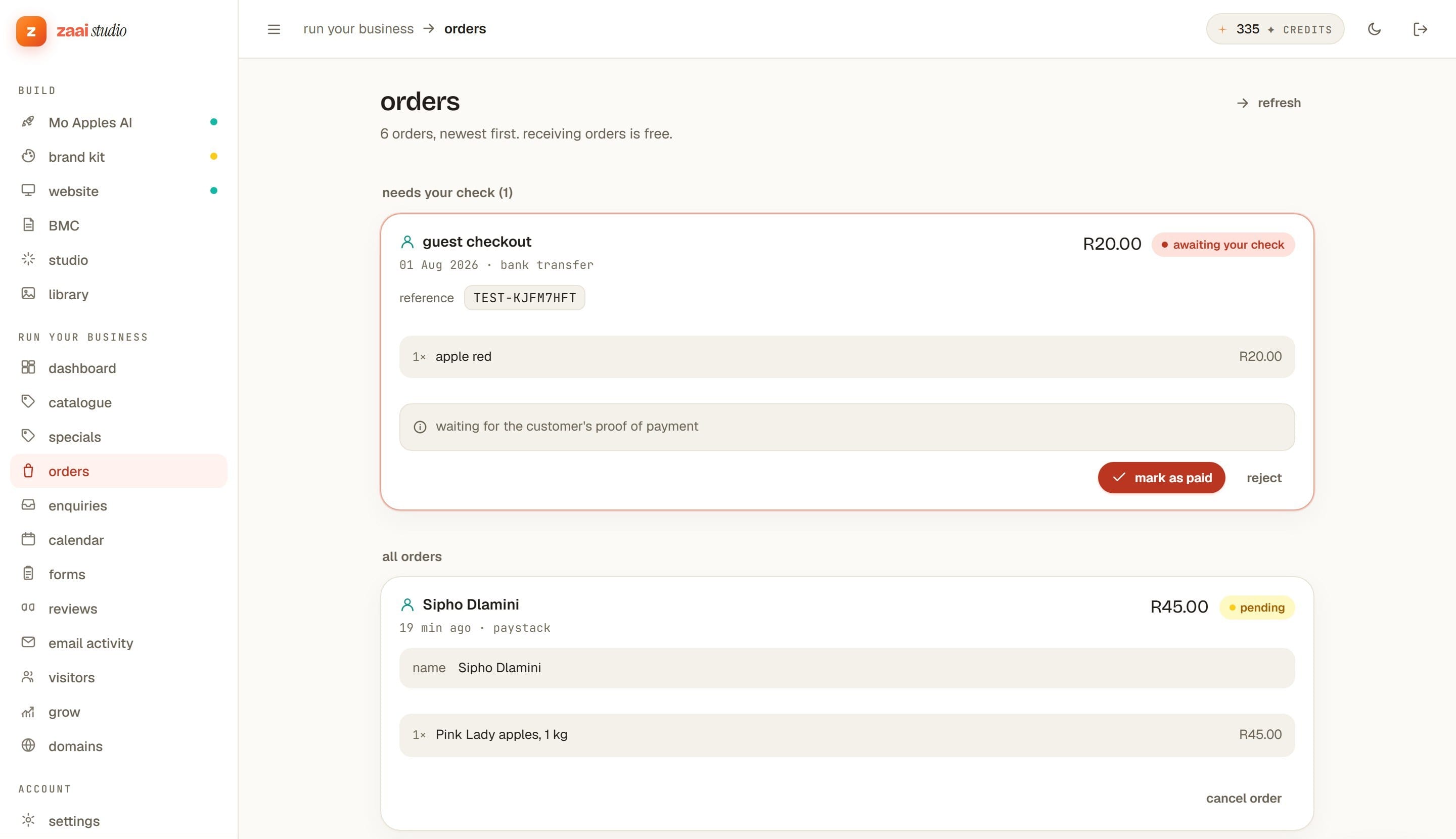
Orders arrive here
Paid, pending, and the ones needing a manual check. Mark them prepared as you go. Receiving orders and taking payments never costs a credit.
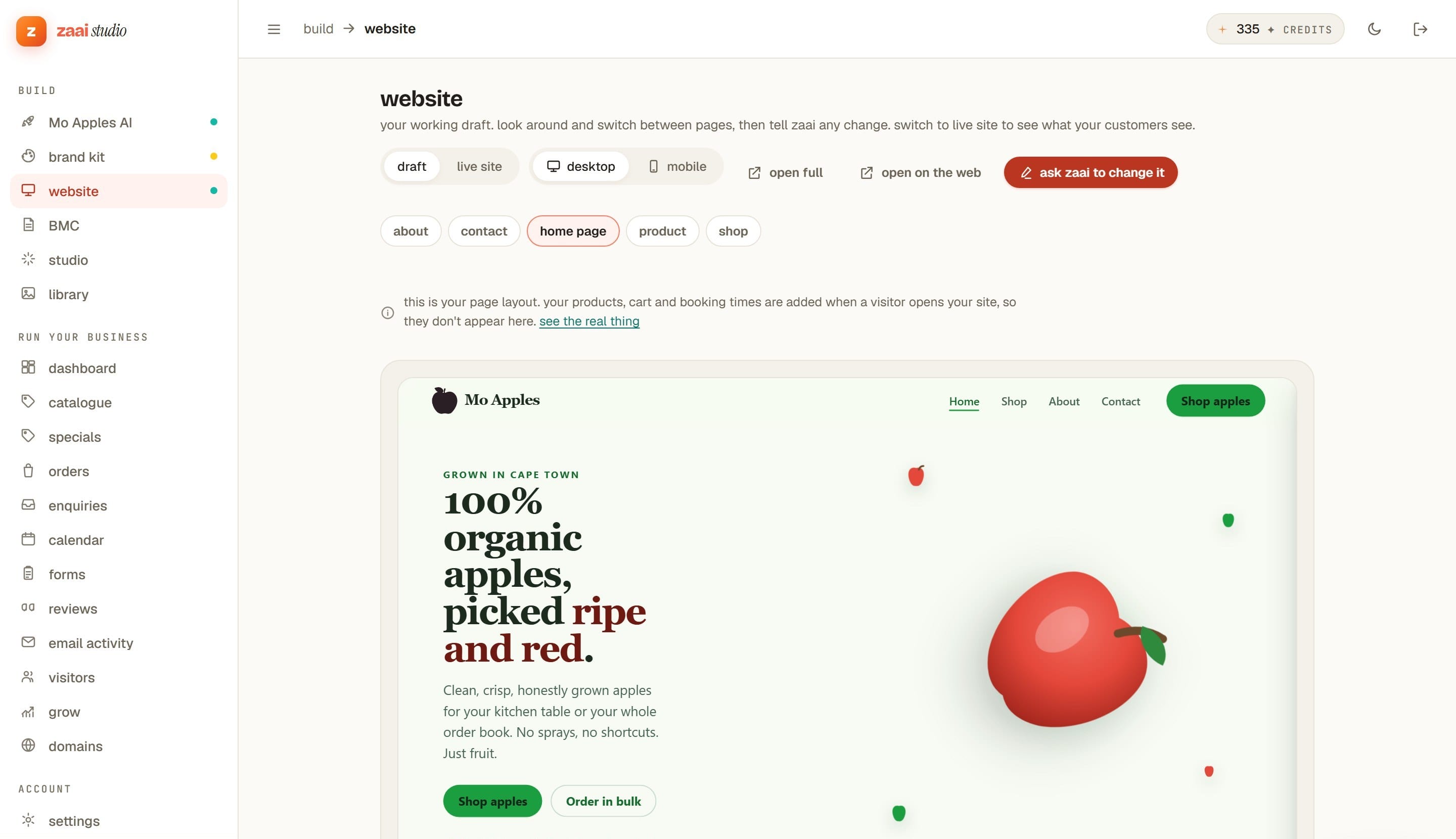
Change it by asking
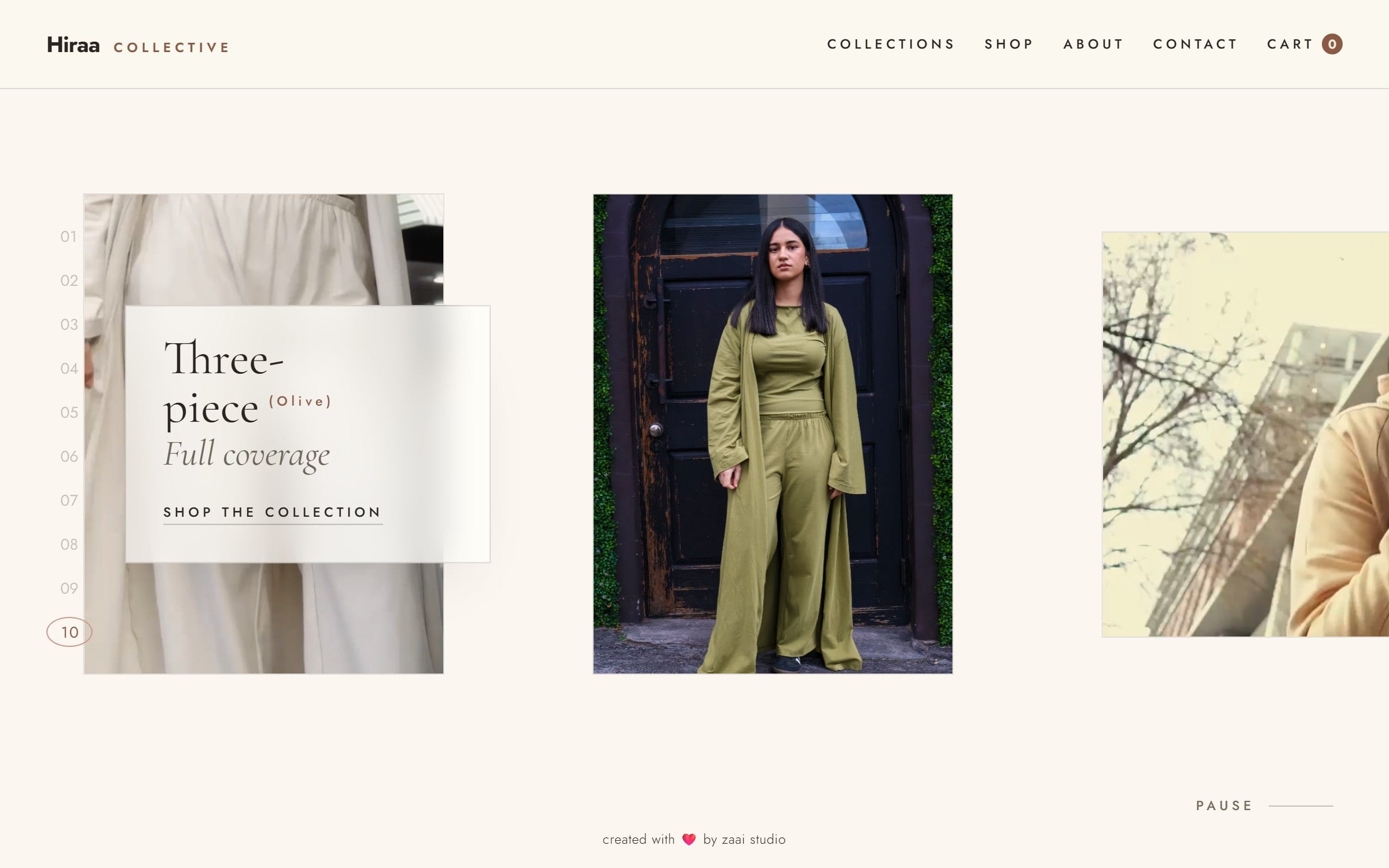
Tap any part of your site and tell Zaai what to change. Switch between your draft and the live site, and check how it looks on a phone before anyone else sees it.
- In the build
Show it what you like
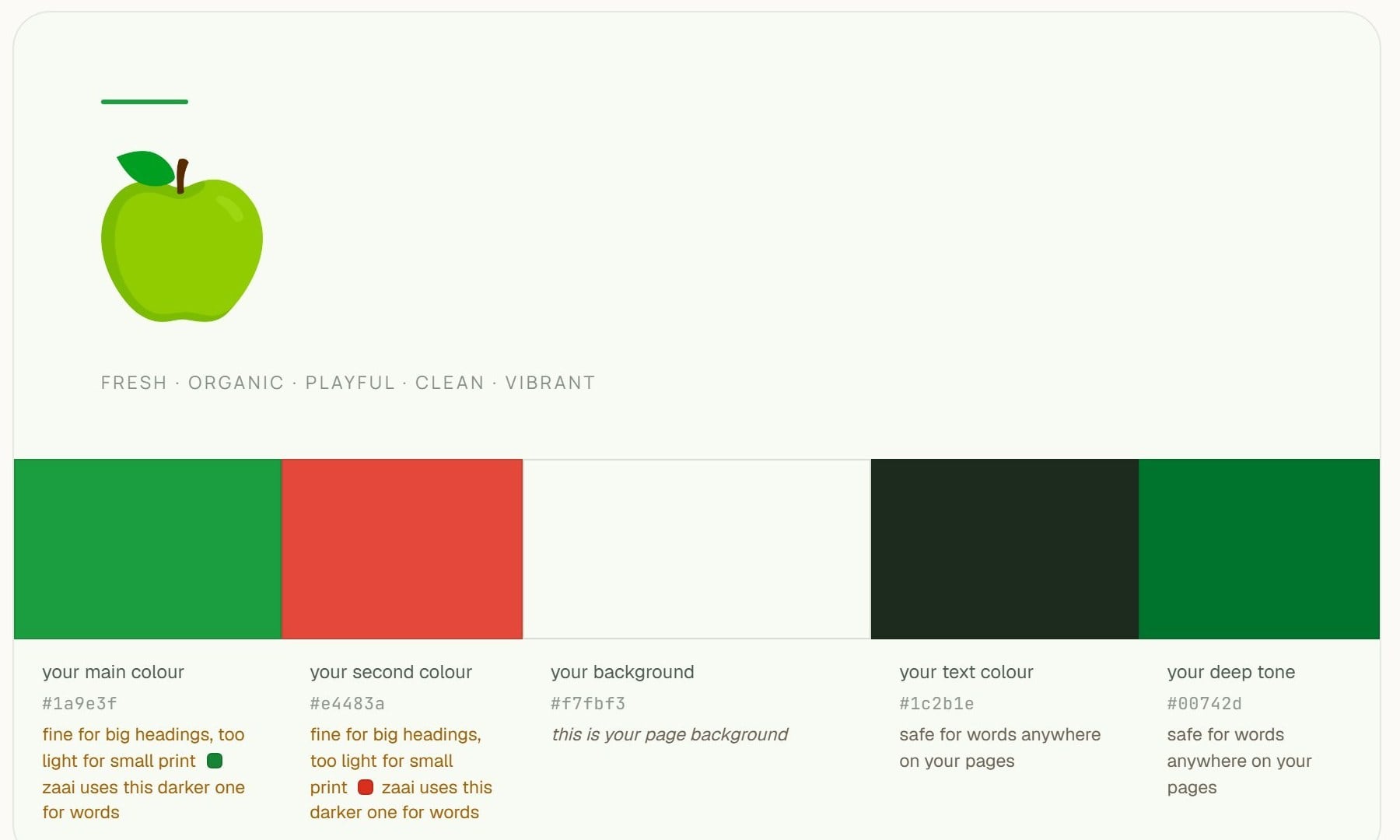
Paste a few sites you admire and Zaai pulls apart what makes them work: the type, the spacing, the way they use colour. Yours comes out in that spirit, built around your business rather than copied from theirs.
- At checkout
Take EFT, not just cards
Plenty of South African customers would rather do a bank transfer. They can. The order arrives marked as waiting for proof of payment, you check your account, and you mark it paid. No card fee on it at all.
- Any time
Change it by asking
Tap any part of your site and tell Zaai what you want different. Typing over your own words and prices is free and takes effect straight away. Only the AI work costs credits.
- Your money
Your gateway, your bank
Connect your own Yoco or Paystack account and your customers pay you directly. Zaai never holds your money, is never in the middle of it, and takes no cut of what you sell.
Zaai takes no commission. Not on your first sale, not on your thousandth, not ever. Your monthly plan is the whole of what you pay us.
Start buildingIt is your account
You connect your own Yoco or Paystack. The keys are yours, the account is in your name, and you can disconnect it whenever you like.
It is your bank
Customers pay your provider, and your provider pays you. Zaai never holds the money and is never in the middle of it.
Their fees, not ours
Your provider charges you their own rate, which is between you and them. Zaai adds nothing on top.
On R50 000 of sales a month, a 2% platform commission is R1 000. With Zaai it is nothing, because the money never comes near us.
No dashboards to learn, no settings to hunt for. Ask Zaai in plain words and it does the work, across your site, orders, emails and more.
Most builders give you a blank theme and a bill for every add-on. Zaai gives you the finished business.
A theme and a to-do list
- Pick a template, then fight it on weekends
- Bolt on apps for payments, bookings, email, reviews
- A new monthly fee for each one
- Hire someone when it breaks
- Weeks later, maybe you launch
A finished business
- Describe it once, Zaai builds the lot
- Payments, orders, bookings and email built in
- One simple plan, no plugin shopping
- Change anything by just asking
- Live on your own .co.za in days
Some businesses want something built to order. Some owners would rather hand the running of it to someone else. A Zaai expert can do either.
- A custom build. Designed and built by the Zaai team around your business, when what you need does not fit what the app makes on its own.
- A managed account. An expert looks after the setup, your catalogue and prices, and the changes you would otherwise be making yourself.
It starts with a R500 consultation, then a written quote for whatever you actually agreed on. Sending the enquiry is free and nothing is charged up front.
Talk to an expertRands, not guesswork
Prices, payouts and reports in ZAR.
The providers you use
Yoco and Paystack, not just Stripe.
WhatsApp where it matters
A ping when an order lands or a payment fails.
Your own .co.za
A proper address, set up for you.
Let’s get your business online.
Sign up free and tell Zaai about your business. Your brand kit and the written brand book that comes with it are on us, so you can see what Zaai designs for your business before you pay anything. No card needed. When you want the website built, pick a plan. See what it costs