The manual
What actually happens, in the order you meet it. The home page is the short version; this is everything else.
Before you start
Signing up takes an email address or a Google account. No card is asked for, and there is nothing to install.
You start with 250 ✦, which covers your brand kit and the written brand book that comes with it. That is the part you can judge Zaai on before spending anything.
What to have ready
- A sentence about what you sell, in your own words. Not a marketing line, the way you would explain it to a friend.
- Your logo, if you have one. If you do not, Zaai makes one.
- Photos of your products or your place. Real photos always beat generated ones, and Zaai uses yours first.
- One to three websites you like the look of. This matters more than people expect, and it has its own section below.
None of it is required to begin. You can start with nothing but the name of the business and add the rest as you go.
Onboarding, step by step
It starts with three questions about your business. After that it is a conversation: Zaai asks, and you answer in your own words.
- How this works
You talk, Zaai listens
You answer in your own words. Zaai fills in the details and shows them back to you as it goes, so you can see what it understood before it designs anything.
- Free to start
Your brand kit first
Zaai designs your colours, type, logo and voice, and writes the brand book that goes with them. That part is on us, so you can judge what Zaai makes for your business before you pay anything.
- With a plan, from R449 a month
Your site, built and live
A plan builds your website on your brand kit and sets up the tools your answers implied. Change anything by asking, then publish to a free zaaisites.com address or your own domain.
Every block you will meet
These are the actual screens, in order. Nothing here is a mockup. The first three are part of the free start. The rest come with building your site, which is what a plan is for.
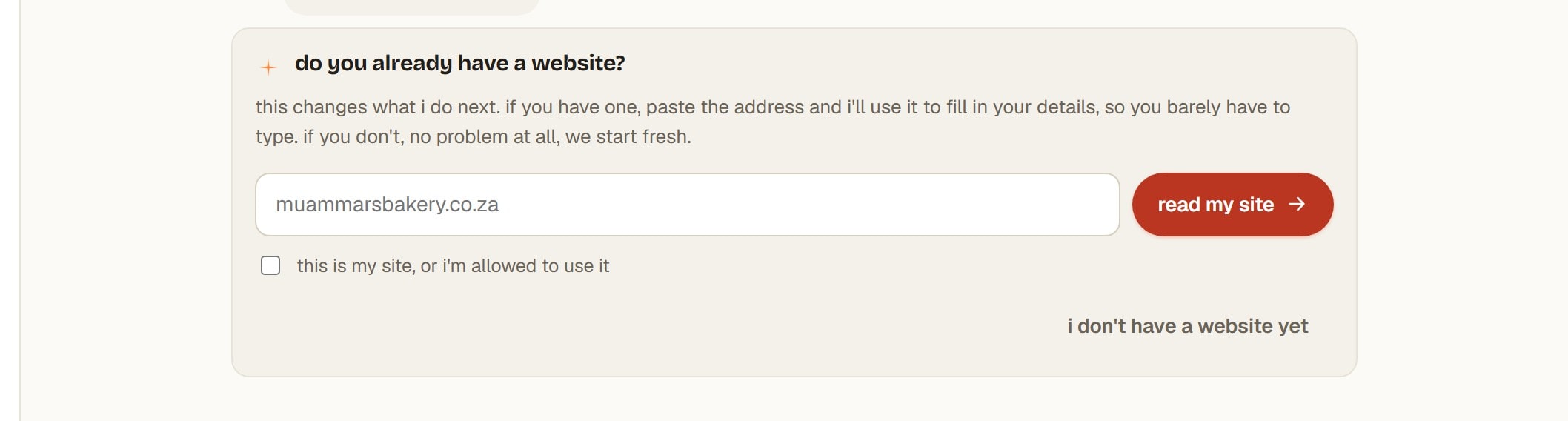
Already have a website?
Tap the link under the first three questions and paste its address. Zaai reads what is there, so you barely have to type. The tick is you confirming the site is yours, or that you are allowed to use it.
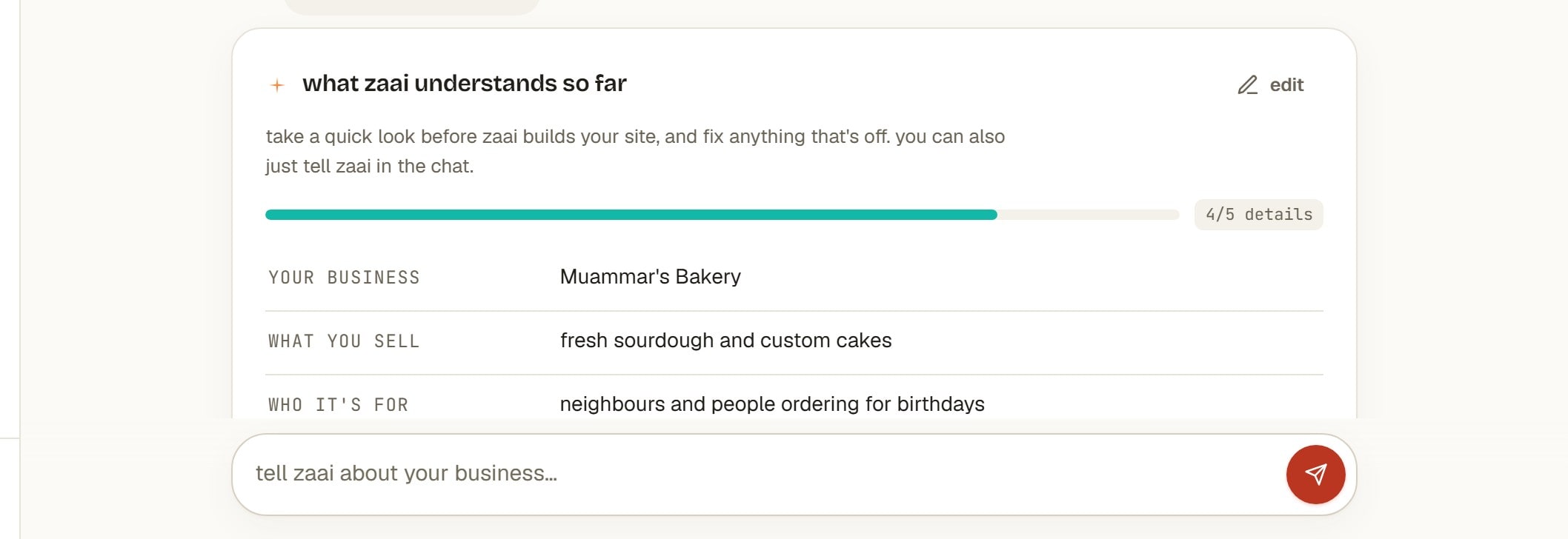
What Zaai understands so far
A running summary of what it has picked up, with a count of what it still needs. Every line is editable, with the pencil or by just saying so in the chat.
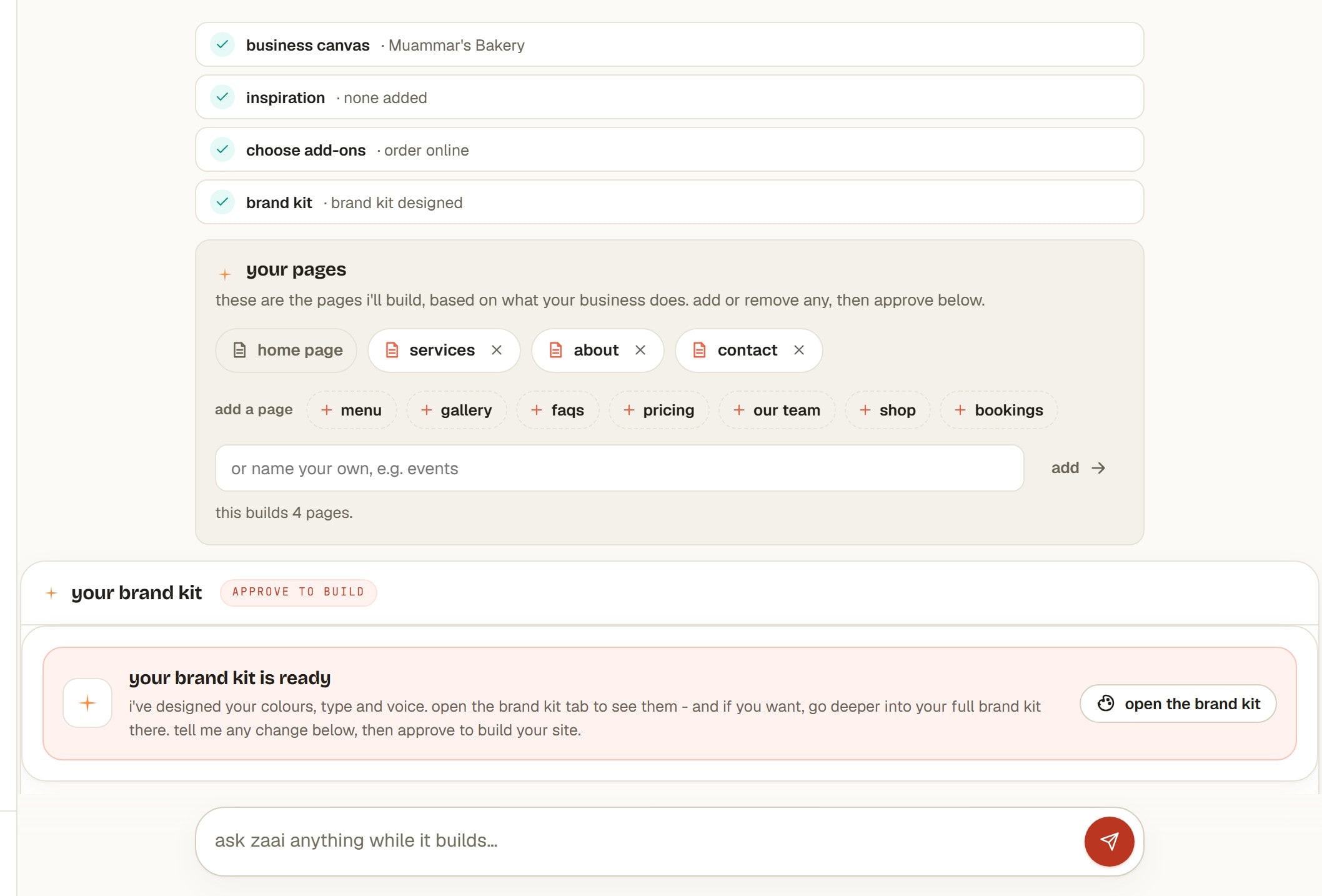
Your pages, and your brand kit
Zaai proposes the pages it will build from what your business does. Remove any, add from the suggestions, or name your own. Below it, the brand kit waits for you to approve before anything is built.
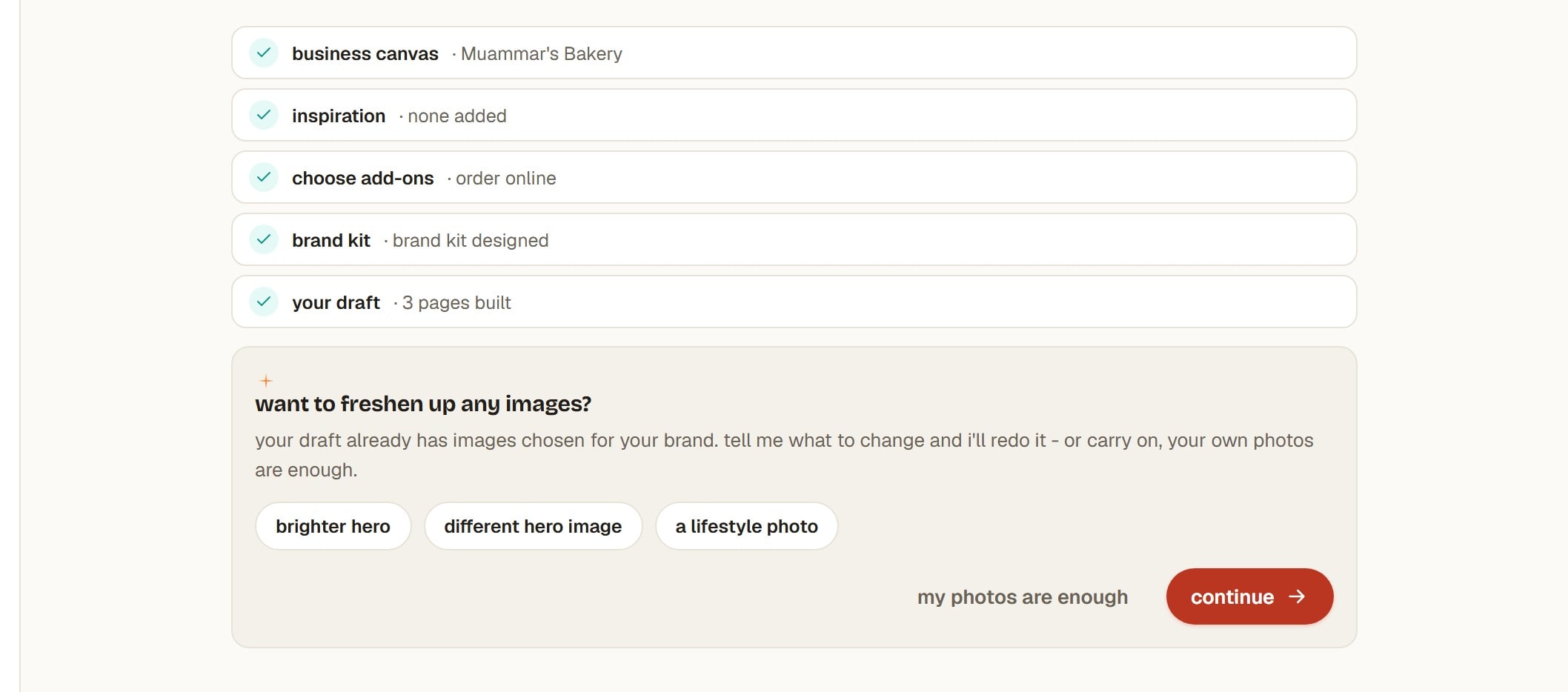
Want to freshen up any images?
Offered once the pages exist. Your own photos are used as they are; this is for the gaps.
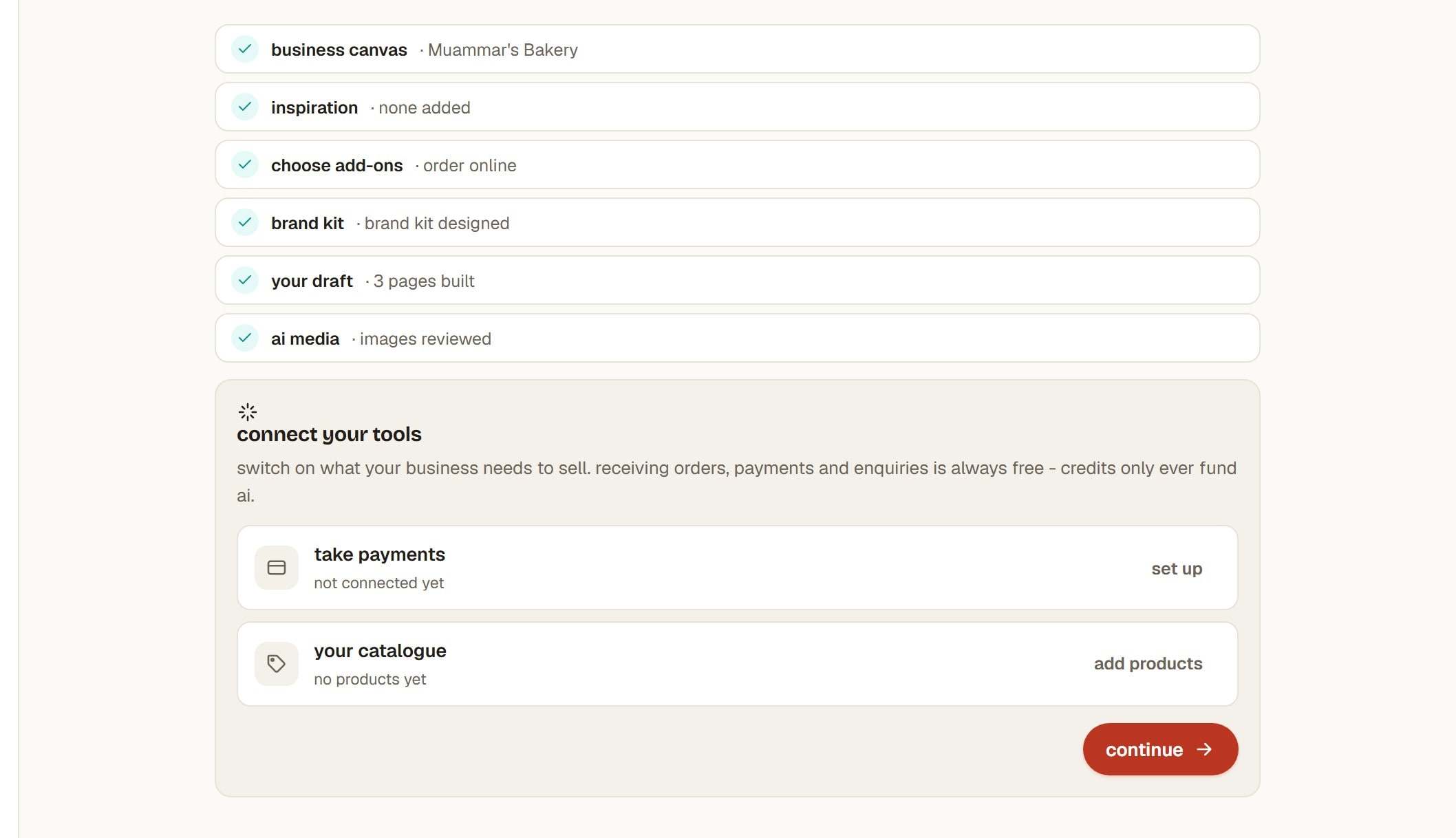
Connect your tools
Payments, your catalogue, forms and a calendar, whichever ones your answers implied. Each says why it is there rather than just appearing.
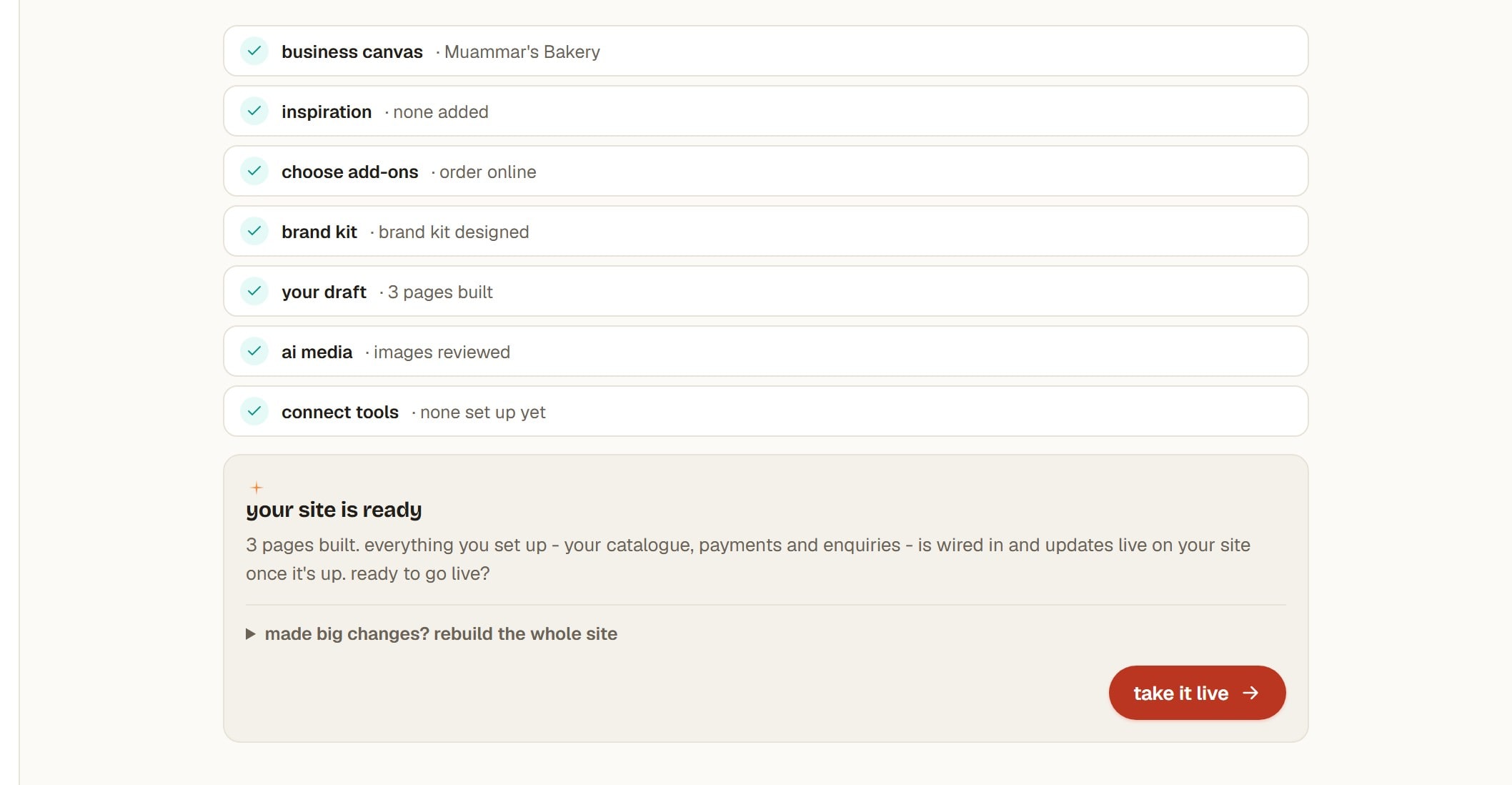
Your site is ready
The draft is built. This is where you look at each page and approve it, or say what you want different.
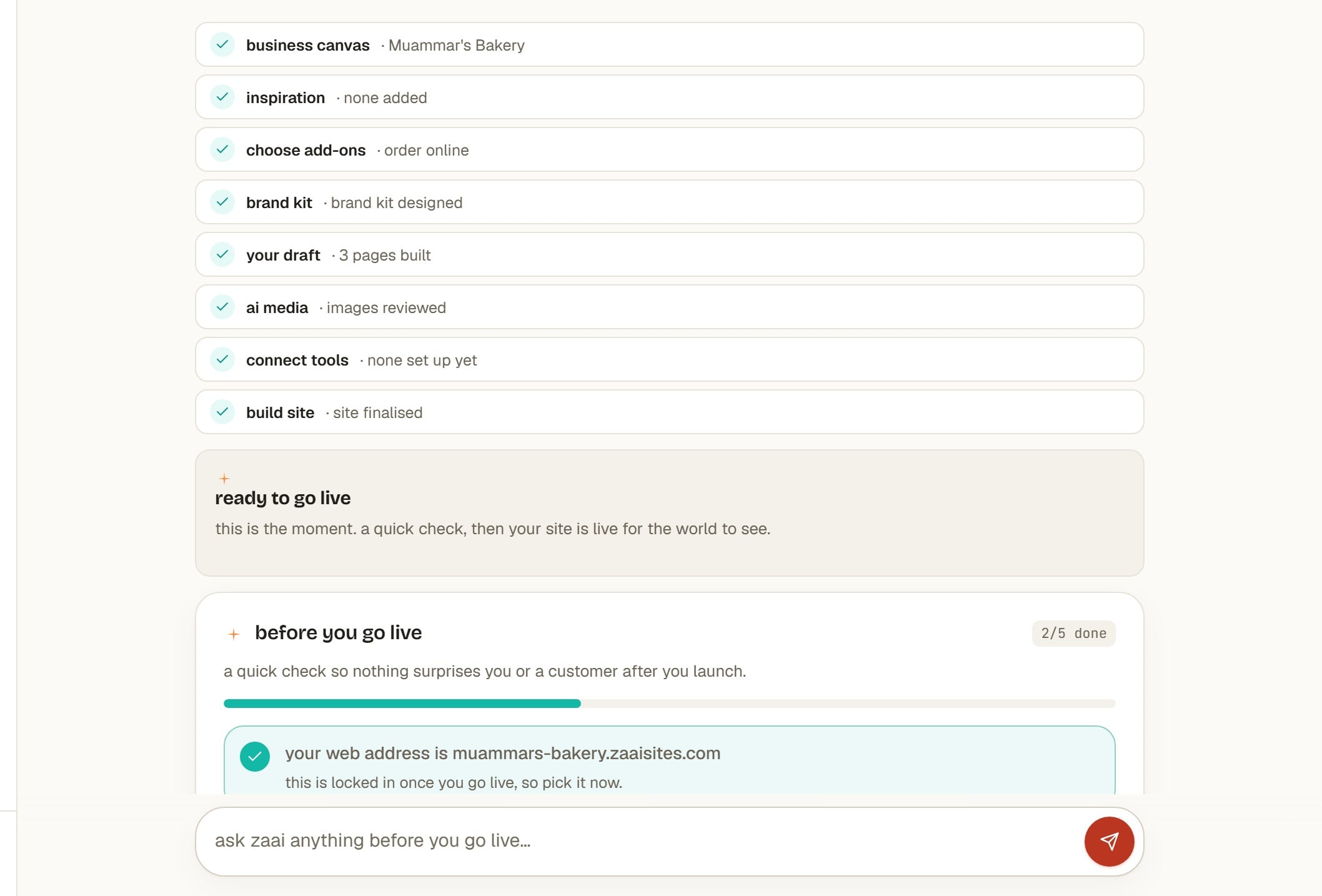
Ready to go live
Every page approved. Publishing puts it on a free zaaisites.com address, and on your own domain whenever you connect one.
What it asks about
Not a questionnaire, but over the conversation it will want to know:
- What the business is called.
- What you make or sell.
- Where you are based.
- What a visitor should be able to do when they land. Order online, request a custom order, book a slot, or just find you.
- How it should feel, in your own words. The mood, colours you love, a place whose vibe you admire, what to avoid.
- What someone would type into Google to find you.
The fourth one shapes the most: it decides which tools get set up for you. You can change it later, and adding a tool afterwards is never blocked.
While it builds
Building your site is what a plan is for, and you do not have to sit through it. Zaai uses the time to set up the tools your answers implied, and says why each one is there rather than just switching it on. Say you sell products and you get a catalogue. Say people ask you for custom things and you get an enquiry form. Say you take bookings and you get a calendar.
Showing it what you like
The part people do not expect. You do not pick a template, and Zaai does not guess.
Paste up to three sites you admire. They do not have to be in your industry and they do not have to be South African. Zaai pulls them apart for what actually makes them work: how the type is set, how much air the layout leaves, how colour is used and where it is held back. Then it builds yours in that spirit.
- a bakery whose photography you love
- a studio with type you keep coming back to
- a shop that just feels easy to buy from
Three is plenty. One is enough.
What to expect
- It takes the approach, not the pixels. It never copies a site you show it, and yours will not look like the ones you pasted.
- Anything is fair game. A site in a different trade is often more useful than a competitor, because you are pointing at a feeling rather than a layout.
- You can skip it. Zaai designs from your words alone if you would rather not.
Your brand kit
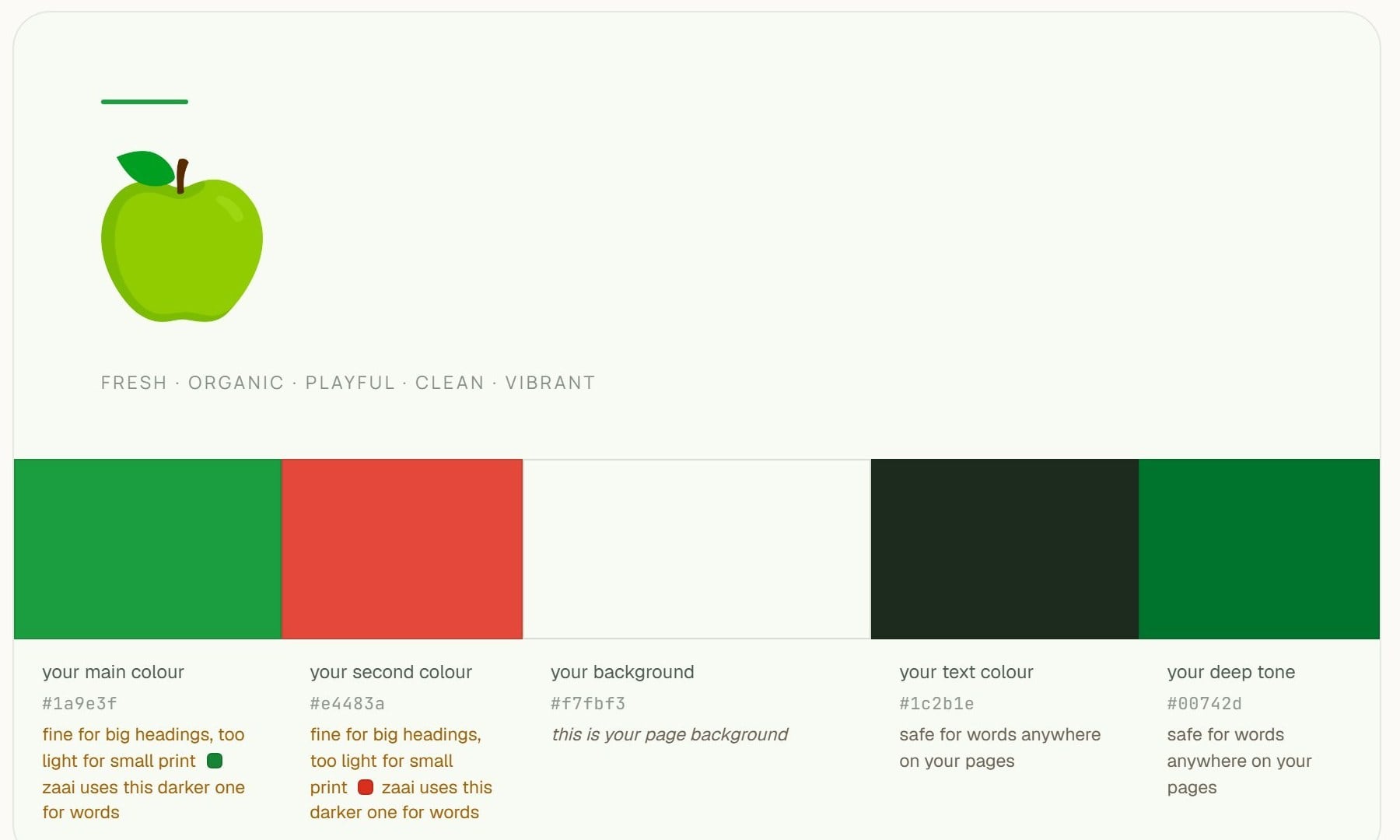
Colour, type, a logo and a voice, decided before a single page exists.
Every page is built from it, which is why a Zaai site holds together instead of looking assembled. The kit tells you not just which colours are yours but where each is safe to use, so a colour that is lovely as a heading does not end up as unreadable small print.
Changing it
- Ask for a new direction and Zaai designs a different one. AI work, so it costs credits.
- Change one part. Swap a colour or a font without redoing the rest.
- Pages do not silently change under you. Changing the kit does not rewrite pages you have already approved. You decide what picks up the change.
Opening the brand kit also produces your brand book, the written guide to using all of it. That is included in the credits you start with.
Your website
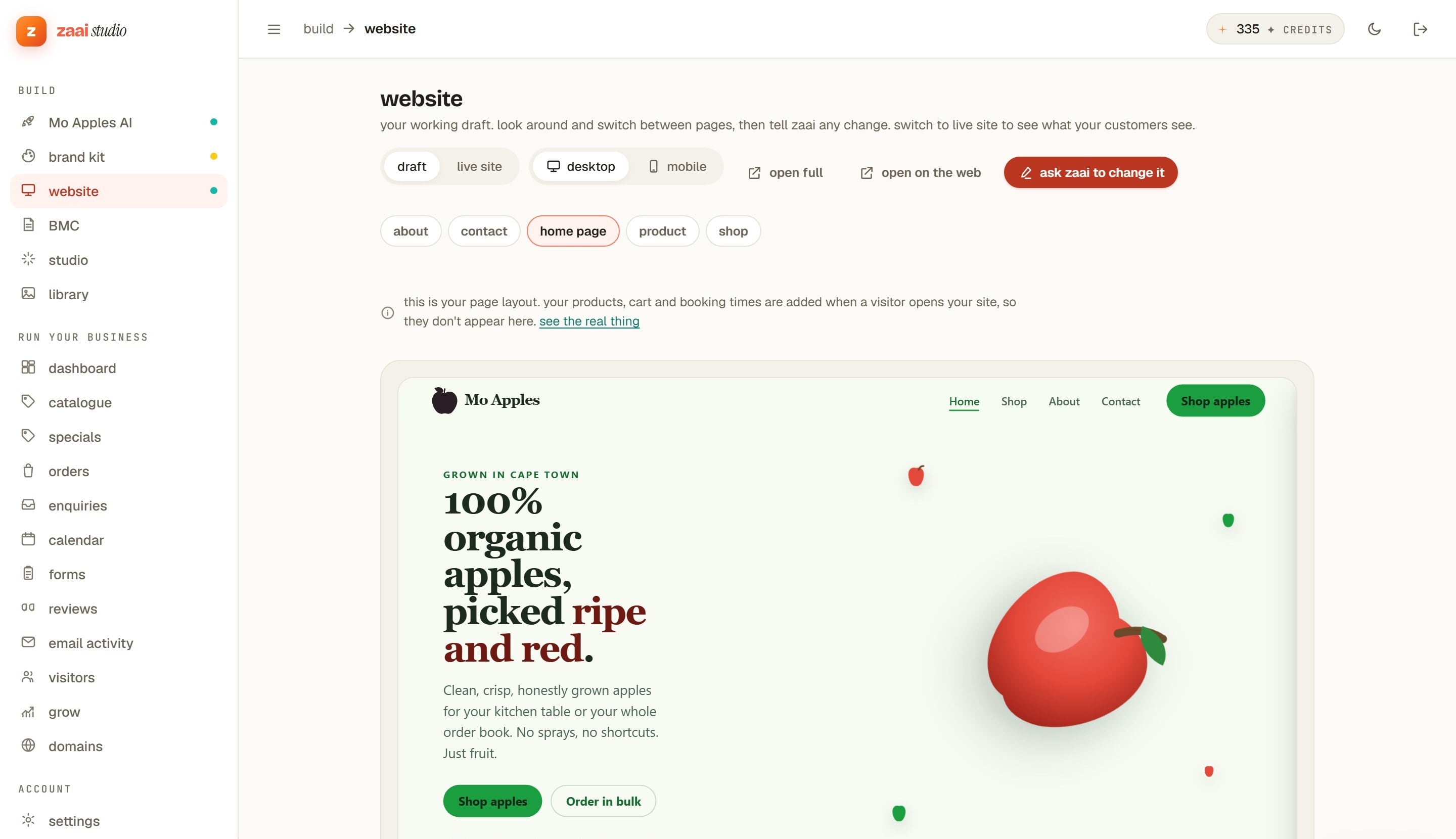
Two ways to change it, split by which is genuinely better for the job.
Editing
- Type over anything, free. Tap a heading or a price and type. Your own words and numbers cost nothing and take effect straight away.
- Or ask. Tap the part you mean and say what you want different. AI work, so it costs credits.
- Undo. Changes are listed and revertible. You are never one tap from losing a page.
What to expect
- Draft first, always. Nothing reaches a customer until you publish, and the switch between your draft and the live site is right there.
- Check the phone view. Most of your visitors are on one. The toggle sits next to the draft switch.
- Products and cart do not appear in the draft. You are editing the page layout; your live products, cart and booking times are filled in when a real visitor opens the site.
Products and prices
Adding, editing and removing. All free, and none of it a rebuild.
Adding
A title, a price and a photo is enough to start. Prices are in rand. Sizes and variants are there where a product needs them, and a product with no photo still sells, it just sells less.
Editing
- Change a price and it is live immediately. Prices are read when a customer opens the page, not baked in when the site was built.
- Mark something sold out without deleting it, so it comes back when you have stock.
- Run a special. A sale price sits alongside the normal one.
Removing
Archiving takes a product off the site and keeps it in your records, which matters because past orders still refer to it. Deleting outright is available, but archiving is almost always what you want.
Editing your own catalogue never costs a credit. Only asking Zaai to write or generate something does.
Orders and payments
Zaai never holds your money and never takes a cut of what you sell.
By card
You connect your own Yoco or Paystack account. Your customer is taken to your provider, pays, and comes back. The money goes to your bank and their fees are between you and them.
By EFT
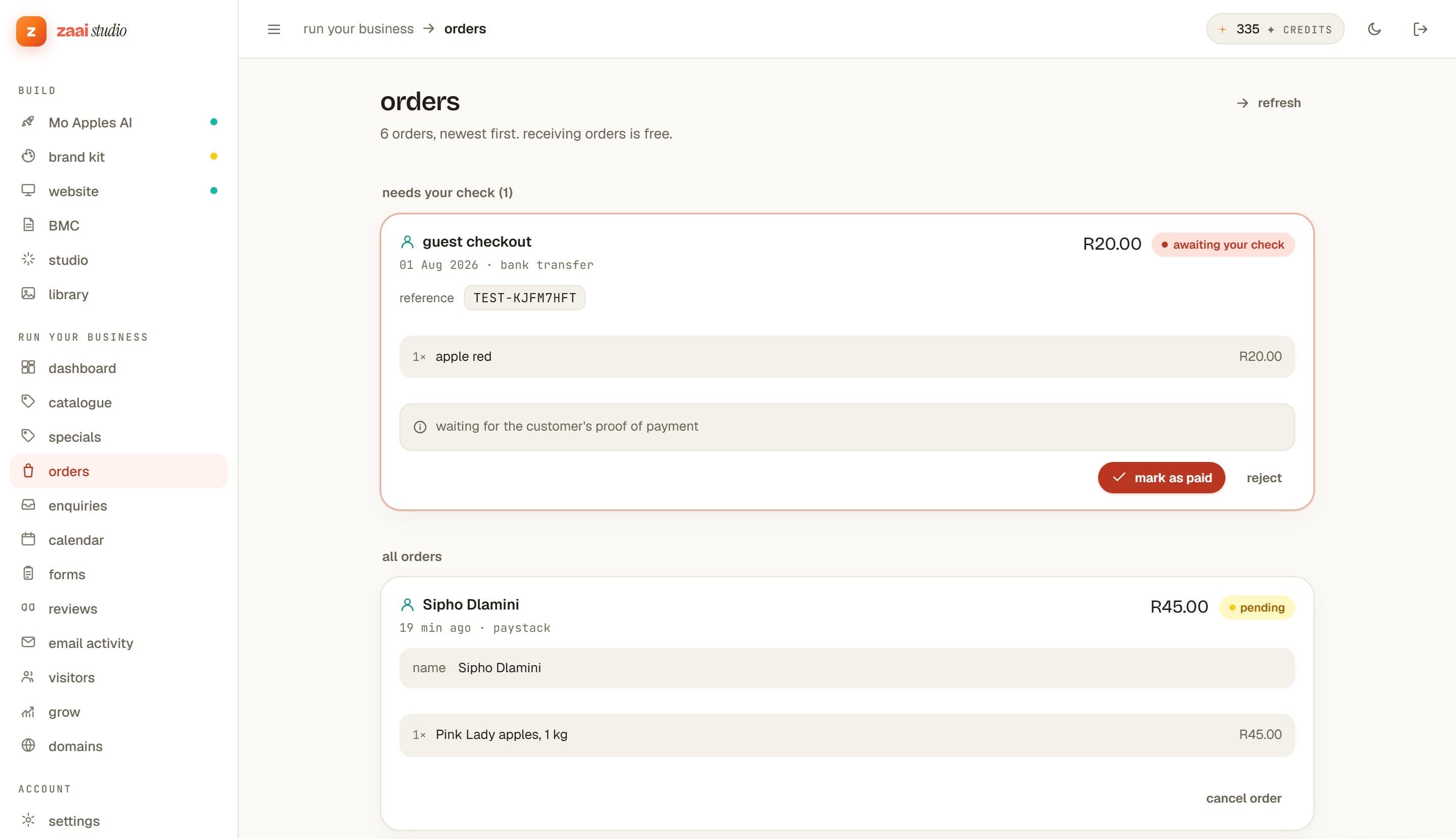
Plenty of South African customers would rather do a bank transfer, and they can. The order arrives marked as waiting for proof of payment. You check your account, then mark it paid. No card fee on it at all.
What to expect
- An order is never lost to a payment failure. If a card payment does not complete, the order is still there, marked pending.
- Emails go out for you, to you and the customer, with a log of everything sent.
- Receiving orders is always free. Orders, payments and their emails never cost a credit.
Bookings and enquiries
Bookings
You set the times you actually work and customers book against them. A booking arrives the way an order does, and the slot stops being offered to anyone else.
Forms and enquiries
For custom work, quotes, and anything that is a conversation rather than a checkout. You design the fields, the enquiry lands in one place, and you reply from there.
Both are free to receive. Asking Zaai to draft a reply is AI work and costs credits.
Being found
Every page gets its title, description and structure handled for you rather than left as a thing you were supposed to know about. Zaai then scores how well the site is set up to be found, by search engines and by AI assistants, and names the specific things still worth fixing.
That score is about how well the site is set up. It is not the same as telling you where you rank, and Zaai does not claim to know that.
Your own domain
Your site goes live on a free address at zaaisites.com, so you do not need a domain to launch. When you are ready, connect your own .co.za and Zaai handles the certificate and the redirects.
The domain is yours, bought from whoever you like. Zaai points at it; it does not hold it.
What costs what
One rule: your own work is free, AI work costs credits.
Free, always
- Receiving orders and taking payments
- Order and enquiry emails, to you and your customers
- Typing your own words and prices
- Adding, changing and removing products
Costs credits
- Building or rebuilding your site
- Generating images
- AI edits and rewrites
- Your brand book
See the full pricing for the monthly plan and the credit packs.
What it does not do
- WhatsApp alerts when an order comes in. Orders and emails work today; the WhatsApp notification does not exist yet.
- Real search-ranking data. Zaai scores how well your site is set up to be found, which is not where you rank.
- Video. Images yes, video not yet.
Some businesses want something built to order, and some owners would rather hand the running of it to someone else. A Zaai expert can do either. Talk to an expert.